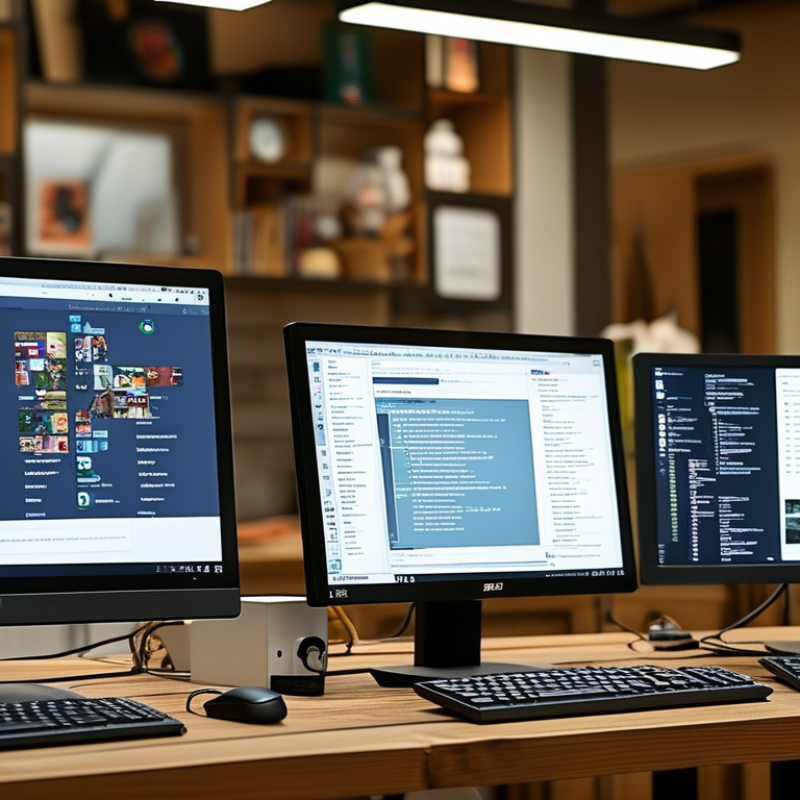
How to Choose the Best Touch Screen Monitor for Your Needs?
Choosing the best Touch Screen Monitor can feel overwhelming. With various models and features available, making an informed decision is crucial. Many factors affect performance and usability. Understanding your specific needs is key.
Consider how you plan to use the Touch Screen Monitor. Will it be for work, gaming, or casual use? This helps narrow down available options. For instance, professionals may need high resolution and precise touch sensitivity. Gamers might prioritize response times. Casual users may focus on price and simplicity.
Always review expert opinions and product specifications. Look for reputable brands known for quality. It's important to know that not all screens perform equally. Some may deliver subpar touch experiences. Research user reviews to avoid common pitfalls. A little extra effort can lead to a satisfying purchase.
Understanding Your Needs: Assessing Purpose and Usage of Touch Screen Monitors
When choosing a touch screen monitor, it's essential to assess your specific needs. According to recent industry studies, over 60% of businesses report increased productivity when using interactive displays. Different environments may require different specifications. For instance, a retail setting may benefit from a durable display, while an office environment may prioritize screen clarity and color accuracy.
Tips: Determine the main use case before making a purchase. Will it be for customer interaction or internal presentations? Knowing the primary purpose aids in selecting the right features, such as screen size and resolution. Many users overlook the importance of touch response time. A mere delay can hinder user experience significantly.
Consider your workspace. Will the monitor be used in a bright area? If so, opt for displays with anti-glare technology. Surprisingly, only about 30% of consumers research these conditions adequately. This oversight may lead to dissatisfaction later. Take time to reflect on how the monitor will fit into your daily tasks, ensuring it meets your needs in real-world applications.
Key Features to Consider: Resolution, Size, and Types of Touch Technology
When selecting a touch screen monitor, resolution plays a pivotal role. High-resolution screens offer clearer images. According to industry reports, 80% of users prefer monitors with at least Full HD (1920x1080) resolution. This ensures better visibility for tasks like graphic design and gaming. A higher resolution leads to sharper text and more vibrant colors. Optimal visual experience can enhance productivity and engagement.
Size is another critical consideration. Monitors typically range from 15 to 32 inches or more. The right size depends on your workspace and intended use. For example, a 24-inch monitor is ideal for office settings. Meanwhile, larger screens are preferred for design work and presentations. It's essential to strike a balance between comfort and functionality. Statistics show that 65% of users feel more at ease with larger displays.
Touch technology types vary significantly. Capacitive screens offer higher sensitivity and multitouch capabilities. Resistive screens, while usually cheaper, might not deliver the same responsiveness. In some cases, users report frustrations with less sensitive screens. Evaluating your needs based on these technologies can prevent post-purchase regret. Implementing touch technology correctly can significantly improve workflow efficiency and user interaction.
Comparing Touch Screen Monitor Brands: Reliability and Customer Support
When selecting a touch screen monitor, evaluating brand reliability is paramount. A reliable brand should have a consistent record of quality. This often reflects in user reviews and expert assessments. Customer support is equally important. A brand with responsive support can save you time and frustration. Seek manufacturers who provide accessible help and timely solutions.
Consider customer feedback across multiple platforms. Look for patterns in reliability and support experiences. A brand that frequently resolves issues is likely to value its customers. Not all well-known brands meet these standards, so deep research is crucial. Sometimes, smaller brands outperform giants in technical support and satisfaction rates.
Warranty terms are also vital indicators. A longer warranty often suggests confidence in product durability. Be wary of brands with vague policies or limited coverage. Take the time to reach out to customer support before purchasing. Assessing response times can provide insight into their commitment. Remember, choosing the right brand can lead to a better, more dependable touch screen experience.
Budgeting for Your Touch Screen Monitor: Finding the Right Balance
When budgeting for a touch screen monitor, it’s crucial to find the right balance. Start by identifying your primary use case. Will it be for work, entertainment, or both? Each purpose may have different requirements, impacting cost. For example, monitors with higher resolution or brightness can be pricier. Think about how much you’re willing to invest in your experience.
Don’t overlook the additional costs. Accessories like stands and cables can add up. Also, consider the monitor’s longevity. Cheaper options may require replacement sooner. Is the investment worthwhile? It’s often better to spend a little more for a reliable product. However, it’s not always easy to gauge what features are essential and which are superfluous.
Reflect on your buying experience. Research can reveal misleading information. Reviews fluctuate based on users' experiences. What works for one may not suit another. Balancing your budget with your needs is a delicate dance. Keeping track of prices over time can provide valuable insights. Remember, the goal is a monitor that enhances your productivity or enjoyment without breaking the bank.
Touch Screen Monitor Features Comparison
This bar chart displays user preferences for various features of touch screen monitors. The scores are out of 100, helping to identify the most valued attributes when making a selection.
Evaluating Additional Functions: Connectivity Options and Compatibility
When selecting a touch screen monitor, evaluating connectivity options and compatibility is crucial. Many monitors offer various ports like HDMI, USB, and DisplayPort. According to a recent report by Market Research Future, nearly 35% of users prioritize connectivity in their purchasing decisions. A monitor with multiple input options enhances versatility, enabling connection to different devices, such as laptops, tablets, and gaming consoles.
Compatibility is also vital. It ensures that the monitor can seamlessly integrate with your existing equipment. For example, some operating systems may have limited support for specific touch technologies. A survey by Gartner revealed that 60% of IT professionals faced challenges when integrating new monitors with older systems. This can lead to frustration and wasted resources. Therefore, checking compatibility across devices and platforms is advisable before making a purchase.
Consider additional features, such as touchscreen responsiveness and resolution, which can impact your user experience. However, balance your needs with your budget. Sometimes, more features lead to complexities that may not be necessary for all users. It's important to reflect on what you truly need from a monitor while avoiding unnecessary upgrades.